
Diagnostics
Sub-Zero Service Mode & SERVICE Light
How to enter diagnostic mode, read stored fault codes, and what the SERVICE light is really telling you.
- Open 24/7
- Same-day service
- 365-day warranty
- Genuine OEM parts
 By Devin Carter · Diagnostics & Controls · 14+ yrs · Oakland & East Bay
 The Sub-Zero SERVICE light means the control board logged one or more fault codes. To read them, enter diagnostic/service mode (hold a combination of panel keys ~5 seconds until the display changes), note each code, and match it in our error-code guide. The exact key sequence varies by model — call (650) 668-1554 and we'll walk you through it.
How to read codes in service mode
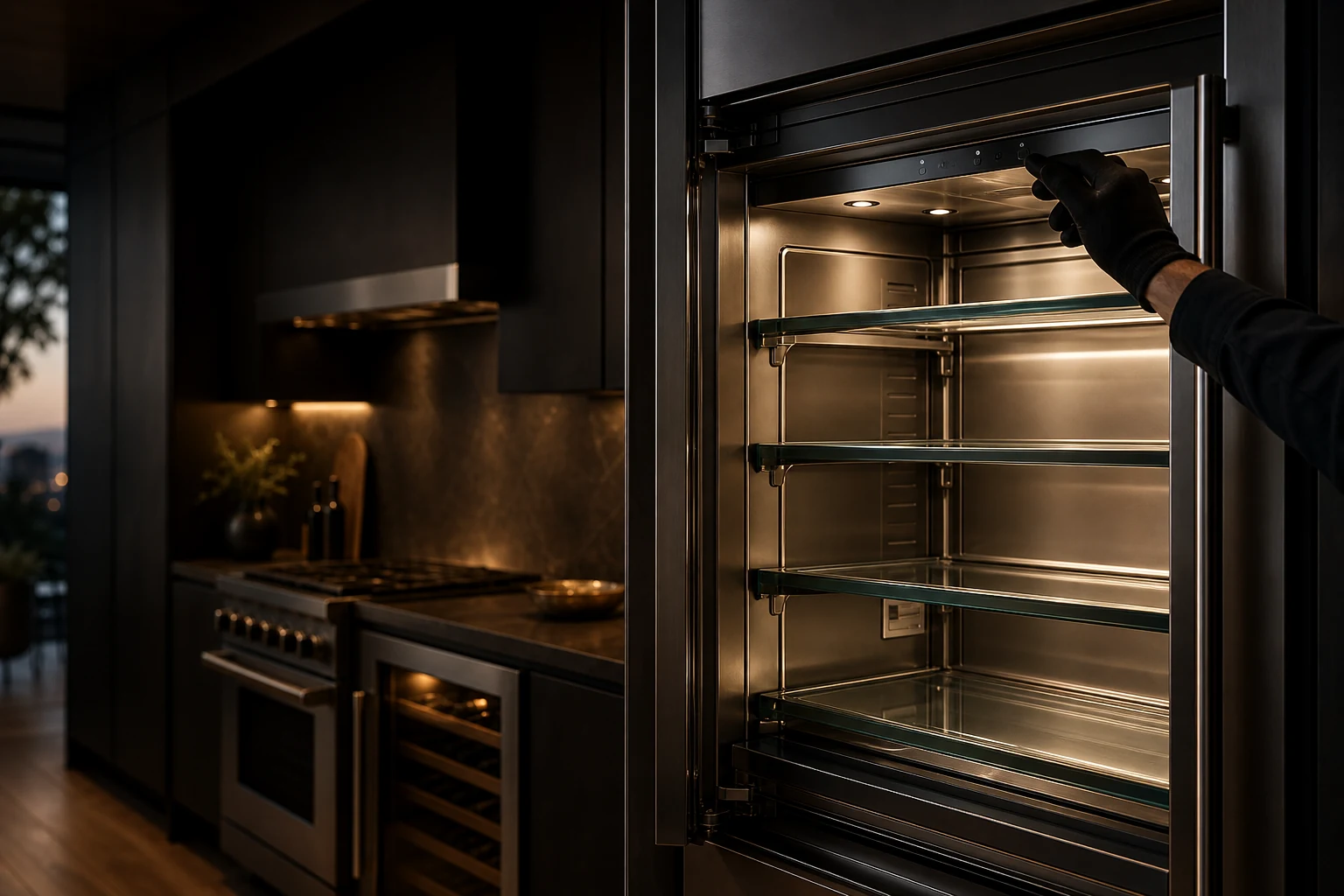
- Find the control panel. Locate the digital control panel inside the fresh-food compartment (built-in models) or behind the upper grille.
- Enter diagnostic mode. On most built-in models, hold a combination of panel keys (commonly the on/off plus a temperature key) for about 5 seconds until the display changes. The exact sequence varies by model and generation.
- Read the stored codes. The panel cycles through any stored fault codes. Note every code, including the model series prefix.
- Look up the code. Match it in our Sub-Zero error-code guide to see the affected subsystem.
- Clear and verify. After a repair, clear the code and run the unit to confirm it does not return. A recurring code means the fault is still present.
What the SERVICE light is (and isn't)
It's a prompt to read stored codes, not a single fault. We don't publish secret button sequences — the reliable path is to read the codes, look them up, and fix the underlying cause. Found a code? See Sub-Zero error codes or book Sub-Zero repair in Oakland.
FAQ
Service mode — FAQ
How do I put my Sub-Zero in service mode?
On most built-in models you hold a combination of control-panel keys for about five seconds until the display changes, then it cycles through stored codes. The exact keys vary by model and generation — check your model's manual or call us and we'll walk you through it.
How do I reset the Sub-Zero SERVICE light?
The SERVICE light means stored fault codes exist. Read and address the codes, then clear them from the panel. If the light returns, the underlying fault is still present and needs diagnosis.
What does a flashing SERVICE light mean?
It's a prompt that the control board has logged one or more fault codes — not a single fault by itself. Enter service mode and read the codes.
Can reading codes damage anything?
No — entering diagnostic mode and reading stored codes is non-destructive. The repair itself is what needs a qualified technician.
Explore more
Related help & services
Read your codes but need a fix?
Tell us your model and the symptom — we'll give you a clear price and book a same-day visit when the schedule allows.